Vigilant Admin
Admin Configuration Setup
Vigilant Admin supports the following roles:
- Super Admin
- Administrator — HR, Interviewers
Role Hierarchy
- Super Admin can create HR accounts only.
- HR can create Interviewer accounts.
Login Methods
Super Admin Login
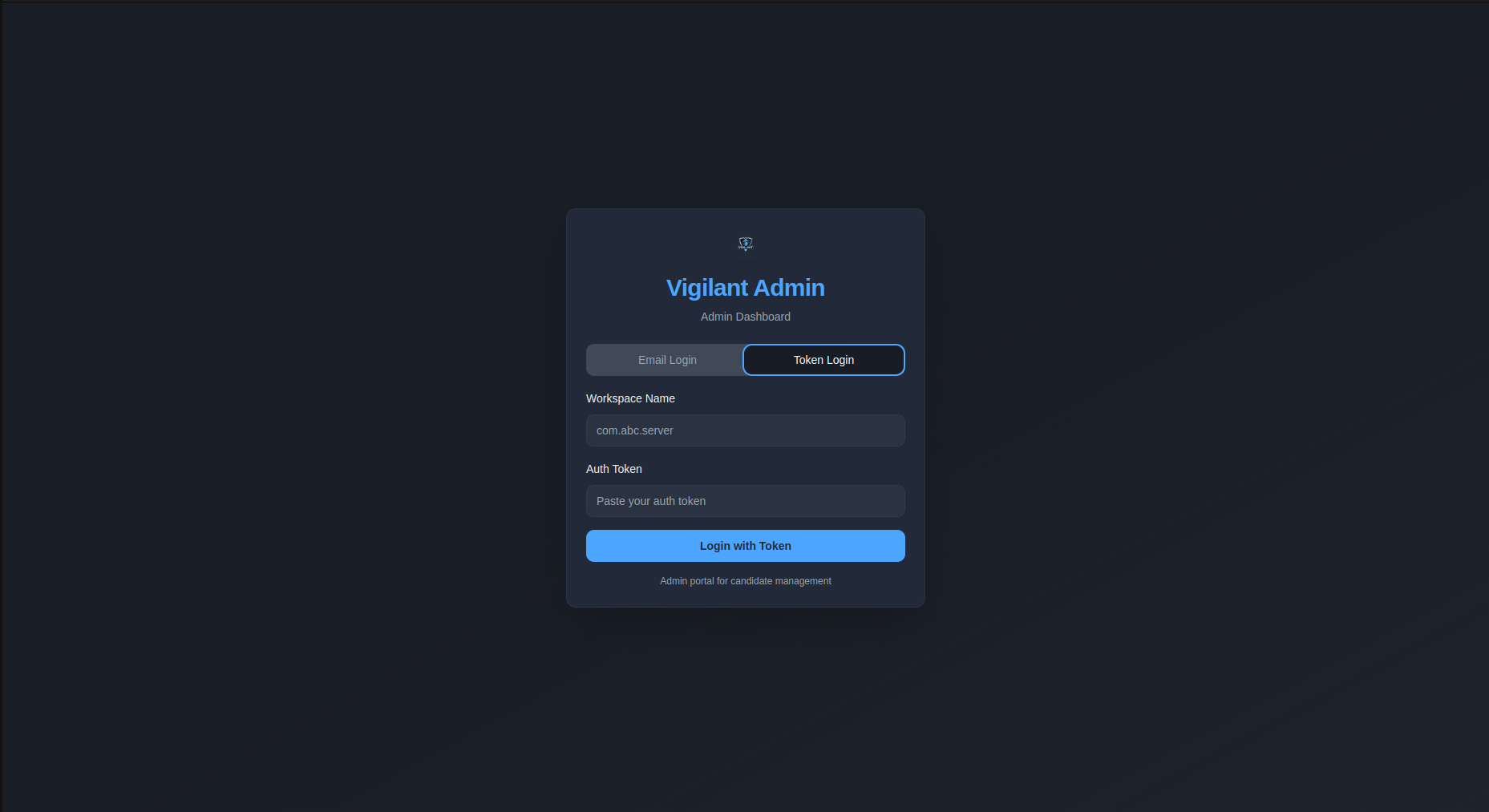
Super Admins log in using a token.
Administrator Login
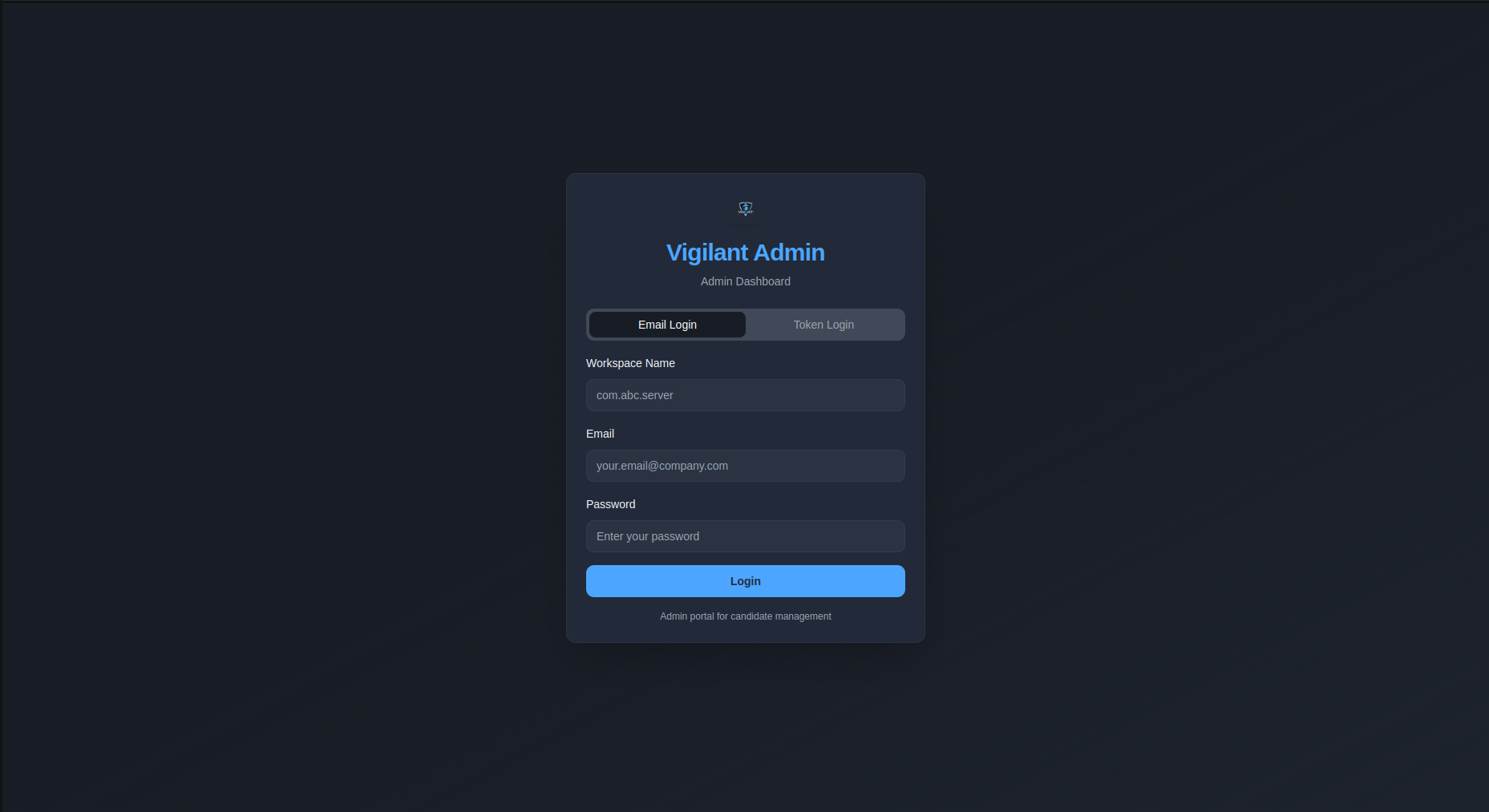
Administrators (HR & Interviewers) log in using their email and password.
Email System Setup
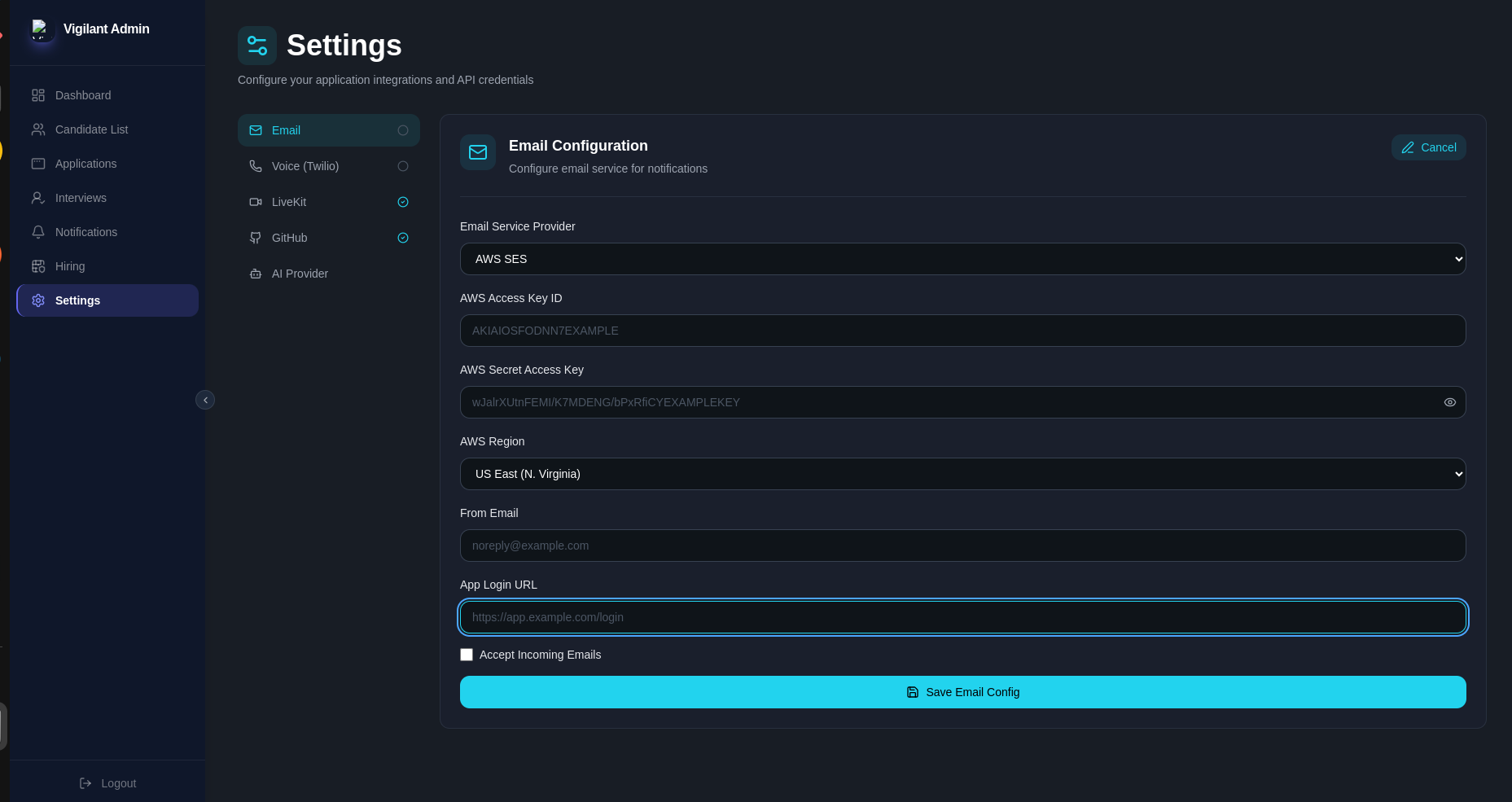
To enable the email system, navigate to the configuration settings and provide the following:
| Field | Description |
|---|---|
| AWS Access Key ID | Your AWS access key ID |
| AWS Secret Access Key | Your AWS secret access key |
| AWS Region | The AWS region (e.g., us-east-1) |
| From Email | Sender address (e.g., noreply@company.com) |
| Site Login Address | The login URL of your site |
LiveKit Configuration
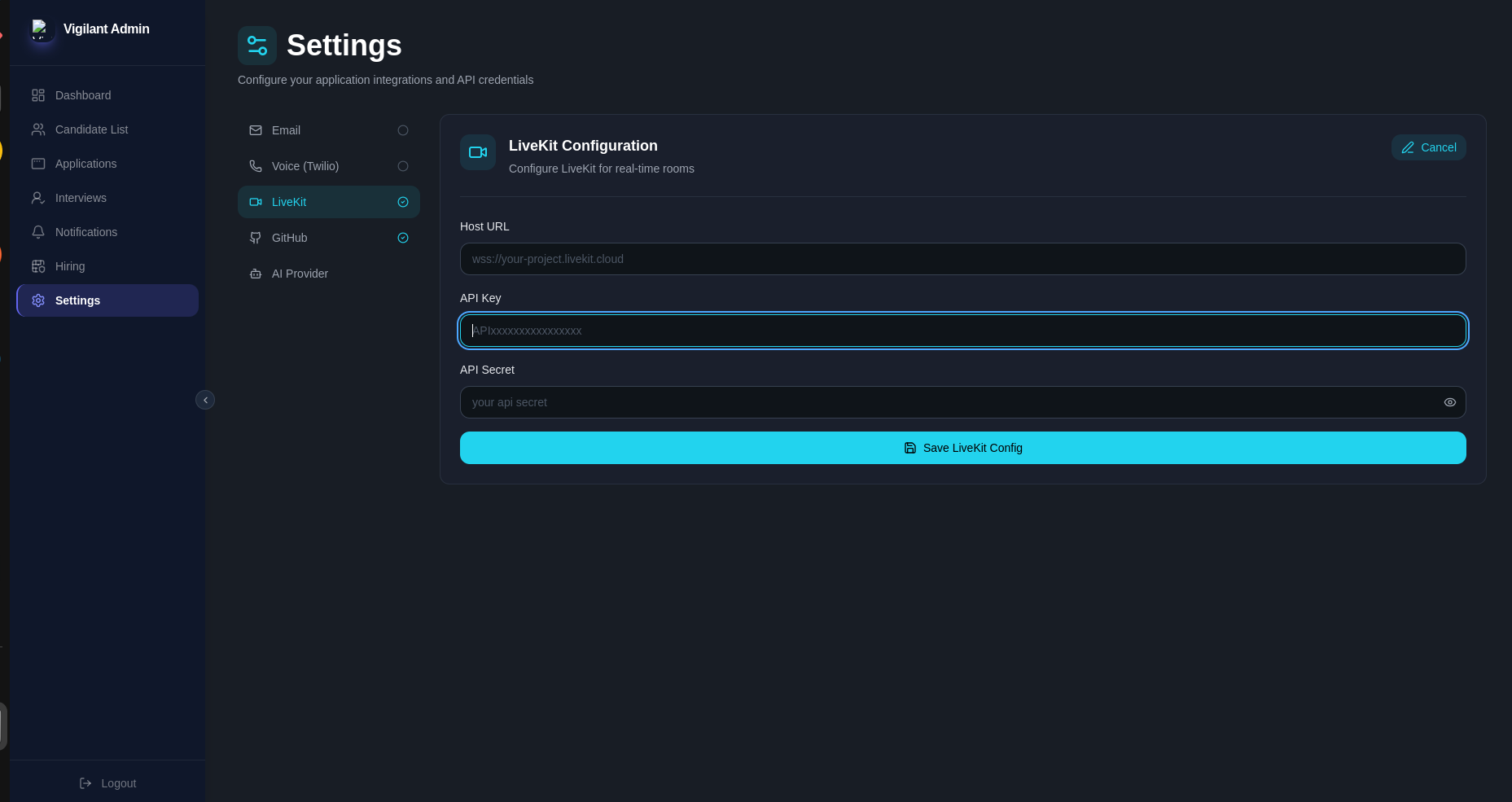
To enable real-time interview rooms (video/audio), navigate to Settings → LiveKit and provide the following:
| Field | Description |
|---|---|
| Host URL | Your LiveKit server/cloud WebSocket URL (e.g., wss://your-project.livekit.cloud) |
| API Key | Your LiveKit project API key |
| API Secret | Your LiveKit project API secret |
GitHub Integration
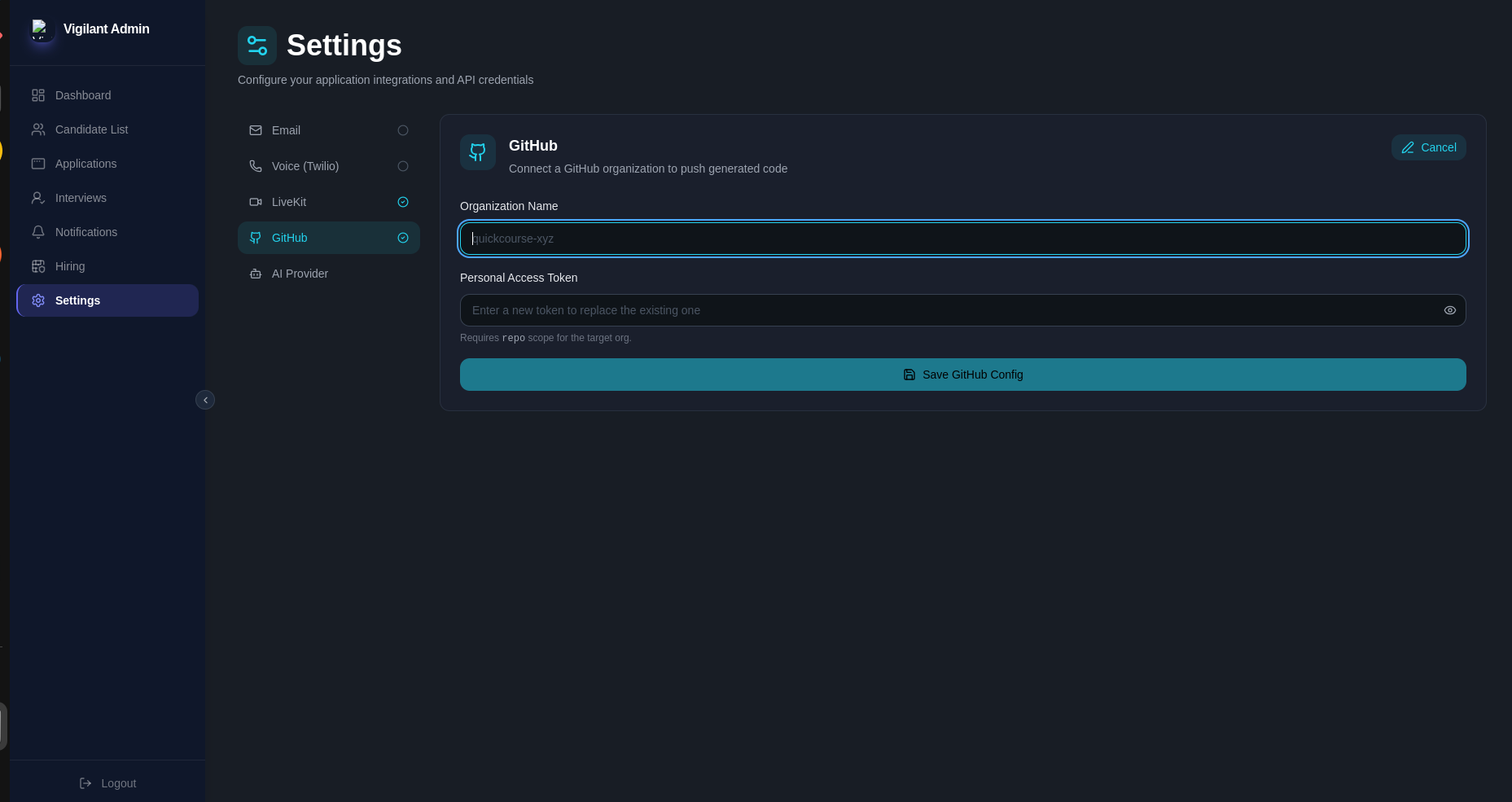
To let Vigilant push generated code to a GitHub organization, navigate to Settings → GitHub and provide the following:
| Field | Description |
|---|---|
| Organization Name | The target GitHub organization (e.g., quickcourse-xyz) |
| Personal Access Token | A PAT with repo scope for the target organization |
Entering a new Personal Access Token replaces the existing one.
AI Provider Configuration
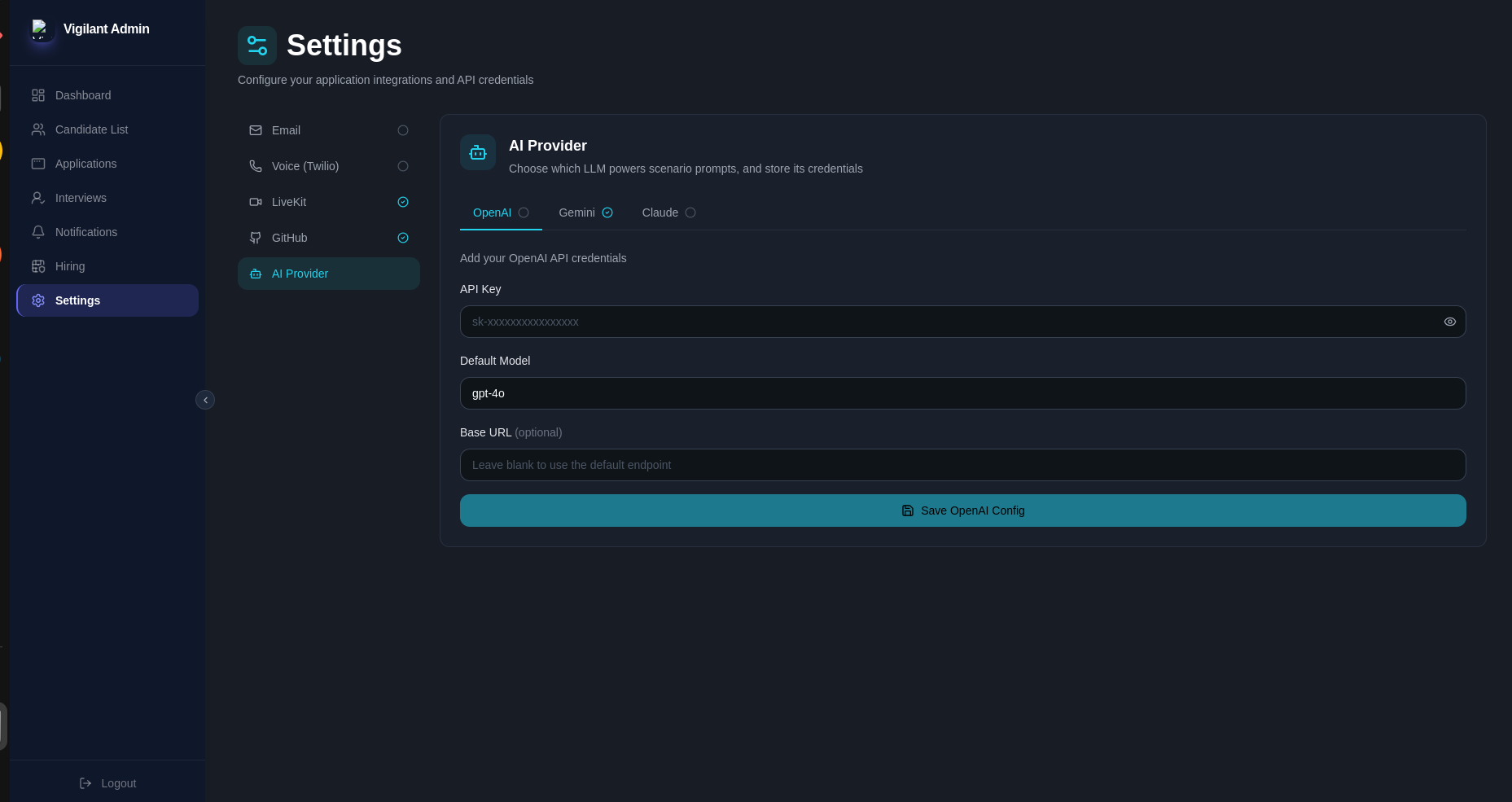
Vigilant uses an LLM to power scenario prompts. Navigate to Settings → AI Provider and choose one of the supported providers: OpenAI, Gemini, or Claude.
| Field | Description |
|---|---|
| API Key | Your provider's API key |
| Default Model | The model used for scenario prompts (e.g., gpt-4o) |
| Base URL (optional) | Custom endpoint; leave blank to use the provider's default |
Each provider tab (OpenAI, Gemini, Claude) is configured independently — a green check next to the tab name indicates it's already connected.